Visual file organization for Windows & Mac

Stop reading folder names. Just look.

Turn your folders into a visual system you instantly recognize — so you can find anything in seconds.

Color. Icons. Covers. One click.
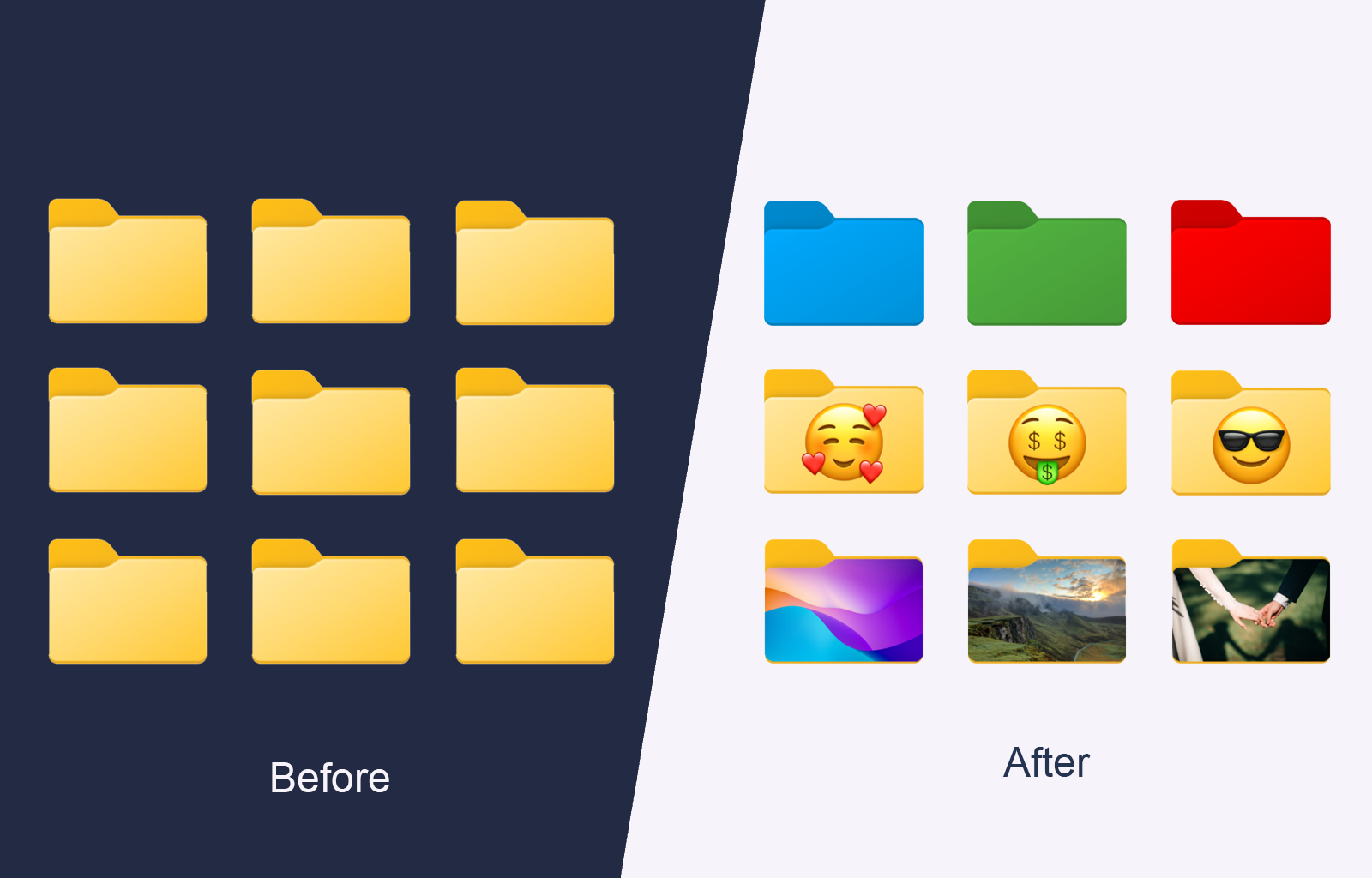
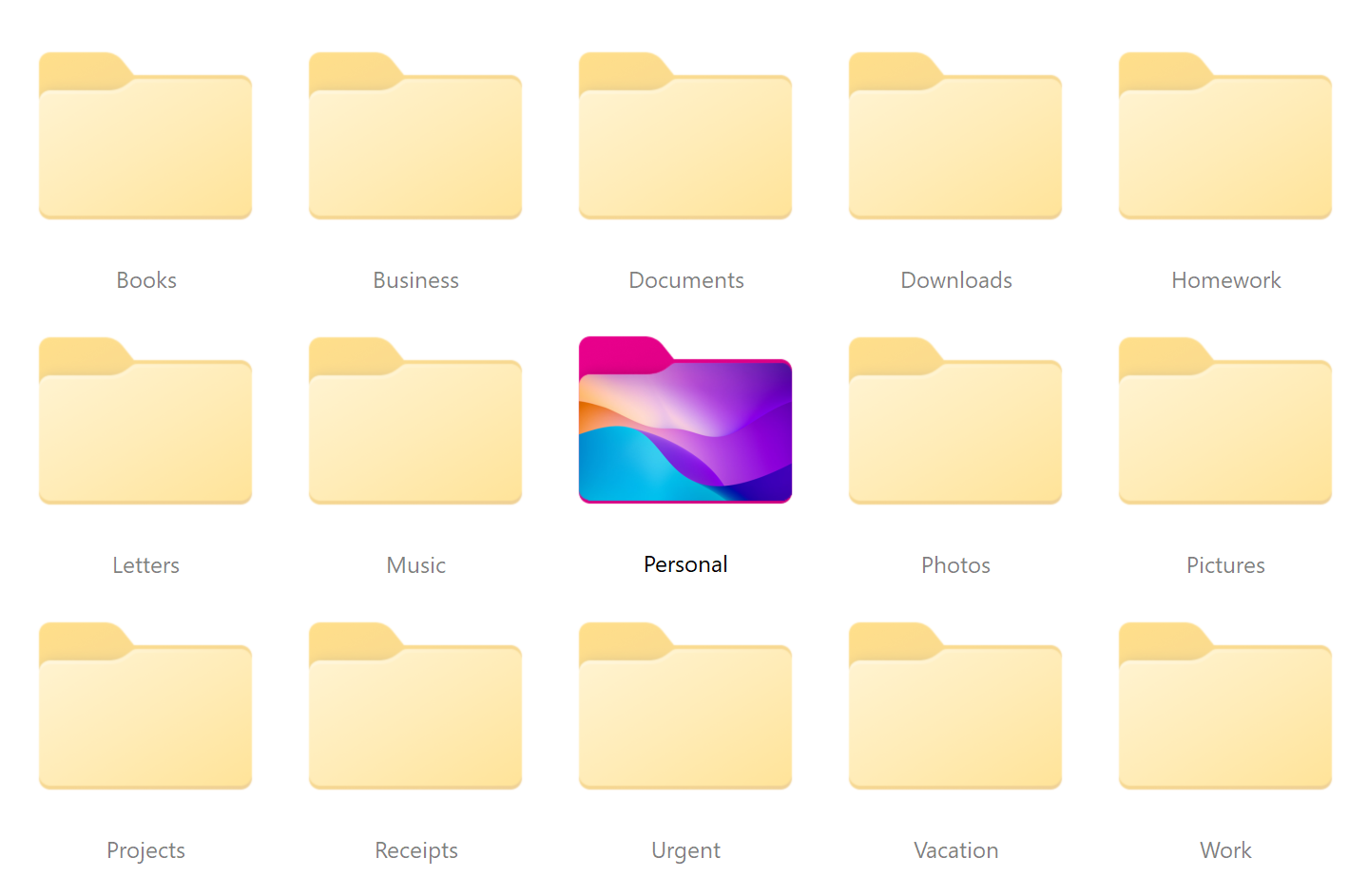
Before and after view of folders transformed into a visual system
From chaos to clarity in seconds
The problem

Your folders all look the same

You open folder after folder trying to find one file. Everything looks identical. Everything takes longer than it should.

Folders organized into a clear color-coded system
The solution

Find any file in seconds

Folderify turns messy folders into a clear, color-coded system you can recognize instantly. No more guessing. No more opening random folders just to see what is inside.

  • See work, personal, urgent, and archived folders at a glance
  • Recognize folders instantly without scanning long names
  • Spend less time searching and more time doing
Why it works

A faster way to navigate your files

Folderify replaces searching with seeing. Use color, icons, and covers to make every folder instantly recognizable.

Recognize by color

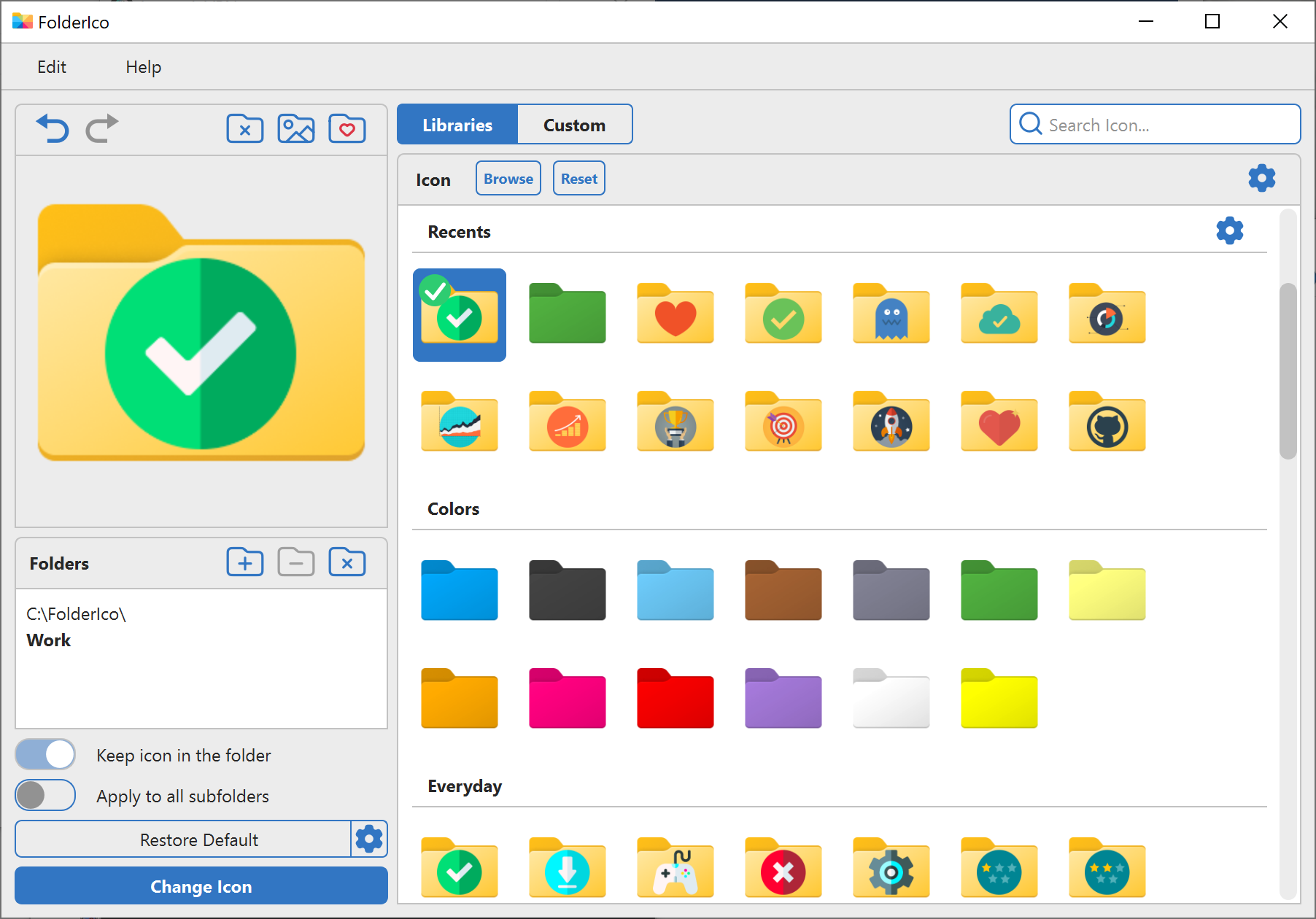
Create visual groups for work, personal, priority, or any system that matches the way you think.

Recognize by icon

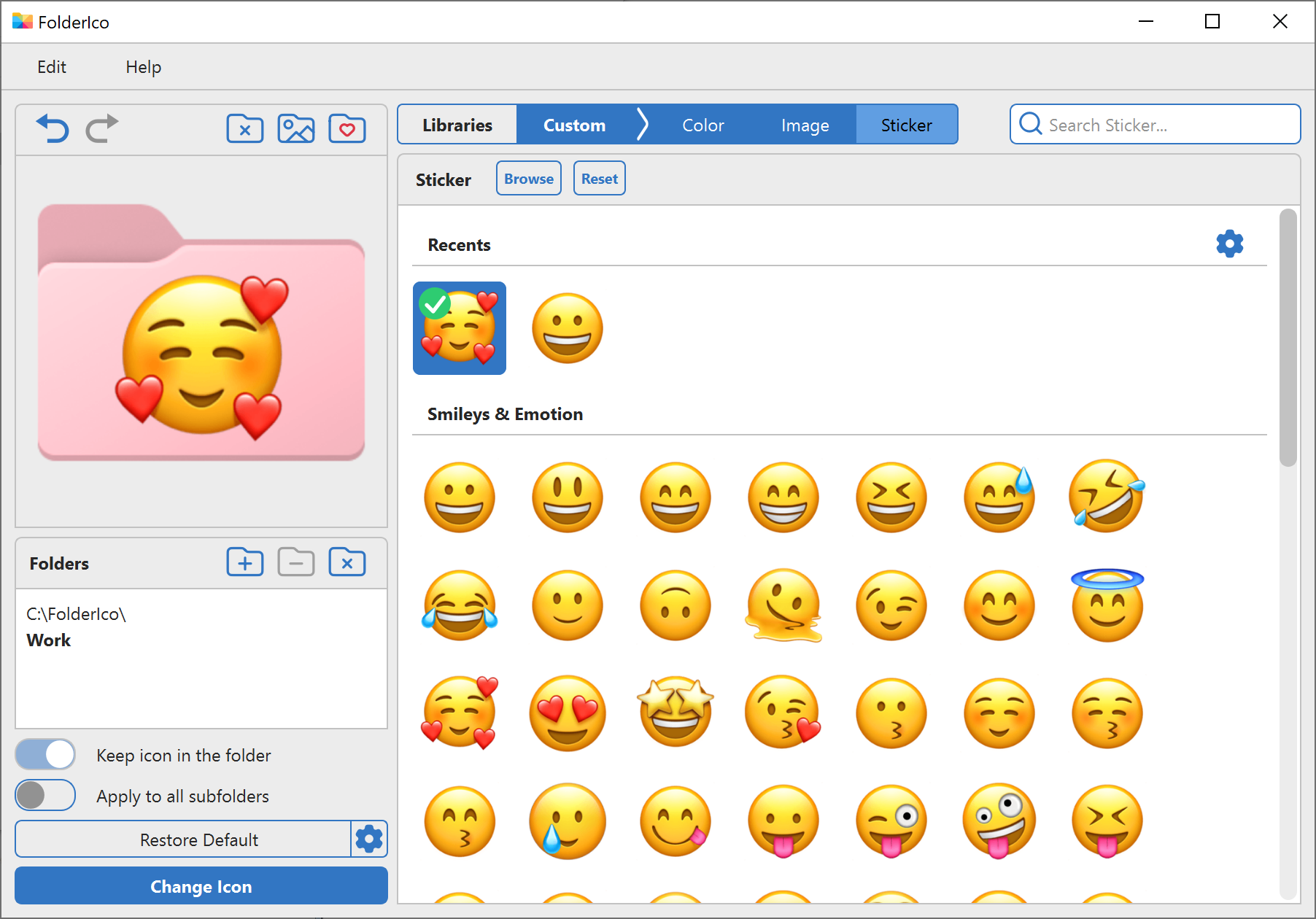
Use icons and stickers to spot the right folder instantly, even in crowded project directories.

Recognize by image

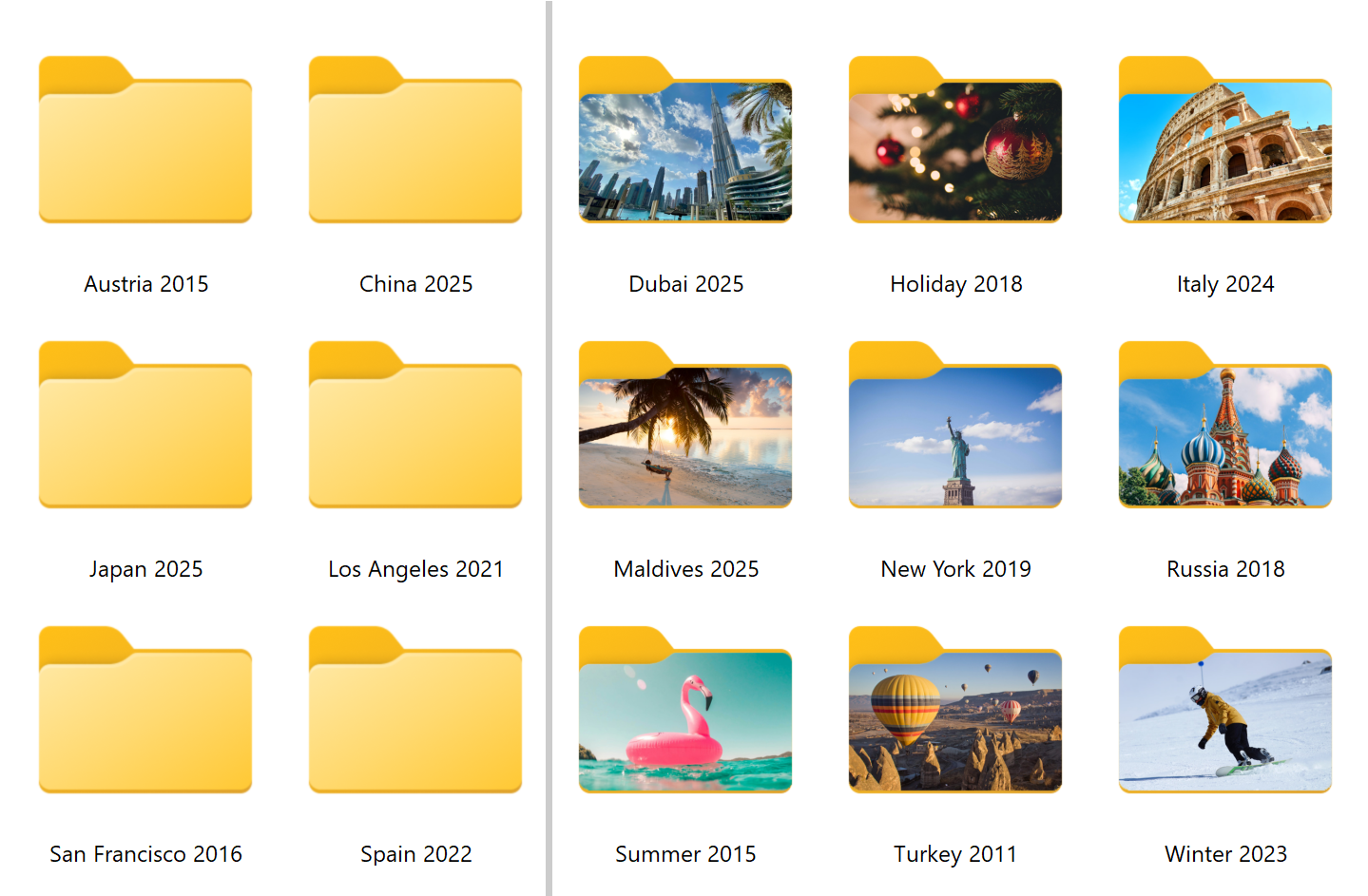
Turn folders into visual previews of your projects, trips, photos, and creative work.

Apply in one click

Right-click a folder, choose a style, and you are done. No setup, no clutter, no extra layers.

Folders customized with icons, colors, and stickers
Visual memory

Recognize folders without reading names

Make your folders stand out with custom colors and stickers so you know where everything is the moment you see it. Built-in styles give you a fast start, and custom icons let you build your own system.

  • Make important folders stand out instantly
  • Reduce visual noise in crowded directories
  • Build a system that feels obvious at a glance
Folders with photo covers used as visual previews
Visual preview

See what is inside a folder before opening it

Use your own images or built-in photos to turn folders into visual previews of trips, projects, moodboards, assets, and memories. This is not just decoration. It is faster recognition.

  • Great for photos, travel folders, design assets, and content projects
  • Recognize folders by image instead of remembering names
  • Make your workspace feel clearer and more personal
Folders classified by priority with visual markers
Focus

See what matters at a glance

Highlight urgent folders, active projects, and important documents so you always know what needs attention first. Folderify helps you stay focused without digging through the same list again and again.

  • Spot urgent work immediately
  • Separate active projects from everything else
  • Keep your workflow clean and easier to manage
Before and after

From chaos to clarity

The difference is not just visual. It changes how quickly you find things and how much mental effort file navigation takes.

Without Folderify

  • All folders look the same
  • You waste time scanning names
  • Important items blend in
  • Finding files feels slower than it should

With Folderify

  • Color-coded system that makes sense instantly
  • Fast recognition by icon, sticker, or image
  • Priorities stand out at a glance
  • A cleaner workflow with less searching
Use cases

Works for how you use your computer

Folderify adapts to real workflows, whether you organize projects, coursework, content, or personal files.

🎓

Students

Keep courses, notes, assignments, and research clearly separated so you can find what you need without opening five folders first.

💼

Work

Highlight priorities, separate active projects from archived work, and make busy directories easier to scan in seconds.

📸

Personal

Organize photos, trips, family folders, and creative collections using covers that are easier to recognize than names alone.

Get started

Start organizing your files visually

Download Folderify and turn your folders into a system you actually understand. No signup required. Works with Windows 10 and 11.

Takes less than a minute to try